Use the scale you already have
Any compatible smart scale that writes to Apple Health works here, as does a weight entry added manually on your iPhone. No Garmin scale required.
WeightSyncr syncs weight from Apple Health to Garmin Connect. It works with compatible smart scales or manual entry, so your Garmin trends stay complete.
 Apple Healthweight entries
 WeightSyncrmoves weight
 Garmin Connectweight history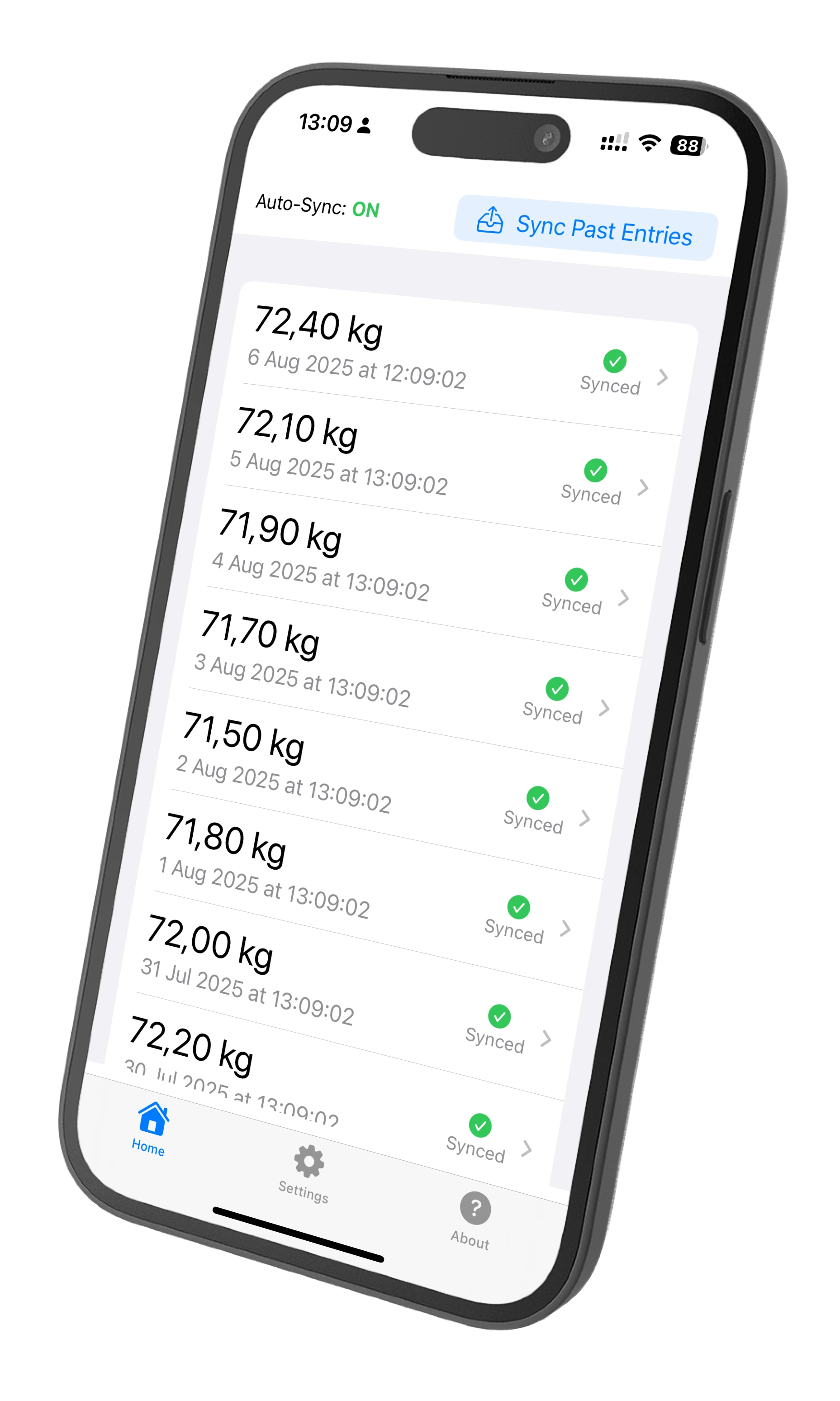
Keep using Apple Health and the scale that fits your routine. WeightSyncr handles the handoff to Garmin Connect.
Any compatible smart scale that writes to Apple Health works here, as does a weight entry added manually on your iPhone. No Garmin scale required.
Free includes manual sync of individual entries and sync status tracking. Premium adds automatic background sync and bulk historical sync.
Weight data moves directly from Apple Health to Garmin Connect through encrypted connections. Only sync status information is stored locally on your device.
Connect the two places where your weight already lives and choose how much help you want from WeightSyncr.
Grant WeightSyncr access to your Apple Health weight data, from a compatible scale or a manual entry.
Sign in through WeightSyncr's secure connection. Garmin accounts with two-factor authentication are supported.
Manually sync individual entries for free, or use Premium for automatic background and bulk historical sync.
WeightSyncr makes the handoff visible instead of turning it into a second tracking system. Review one entry, retry it, or bring in your past history with Premium.
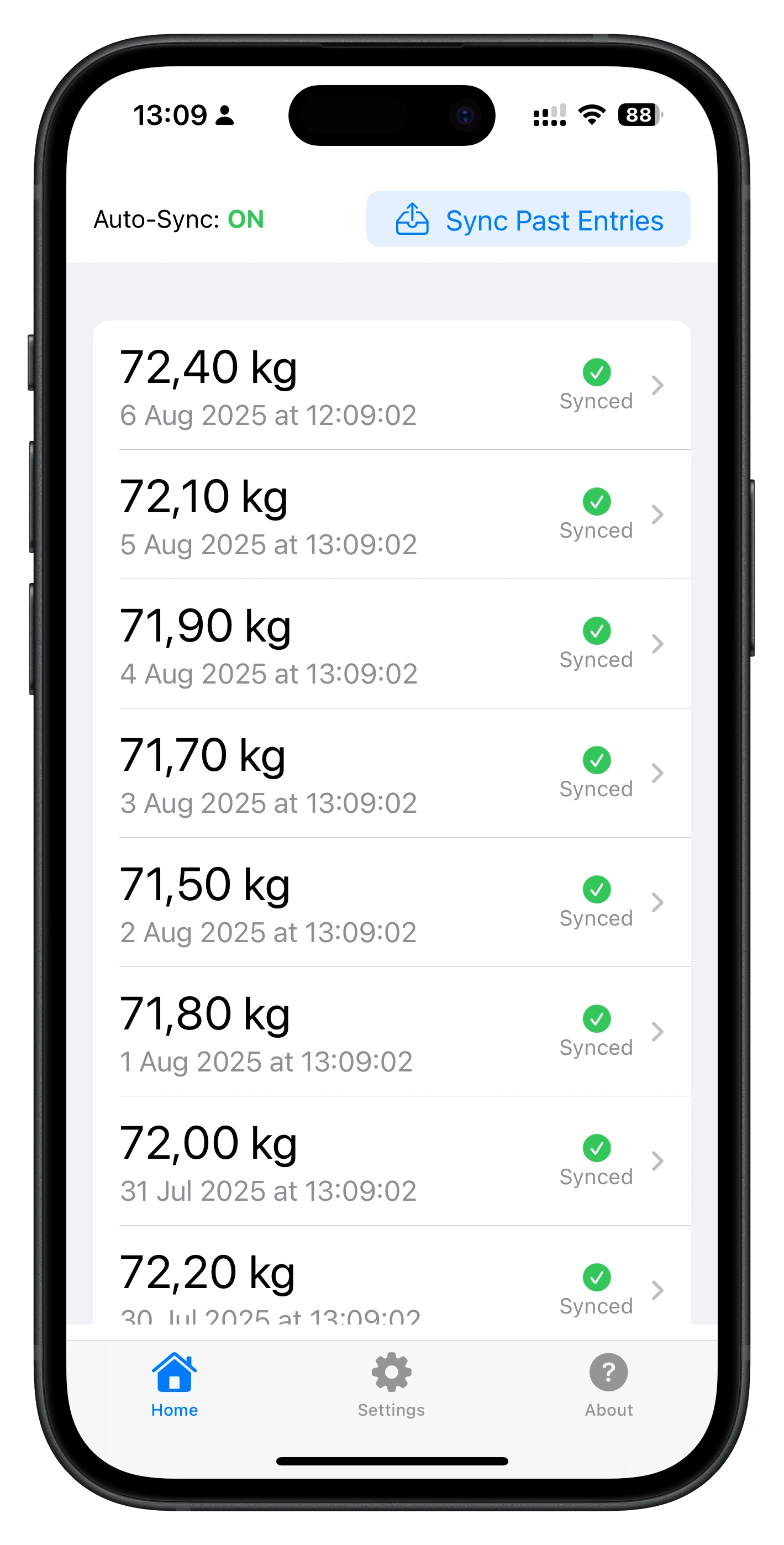
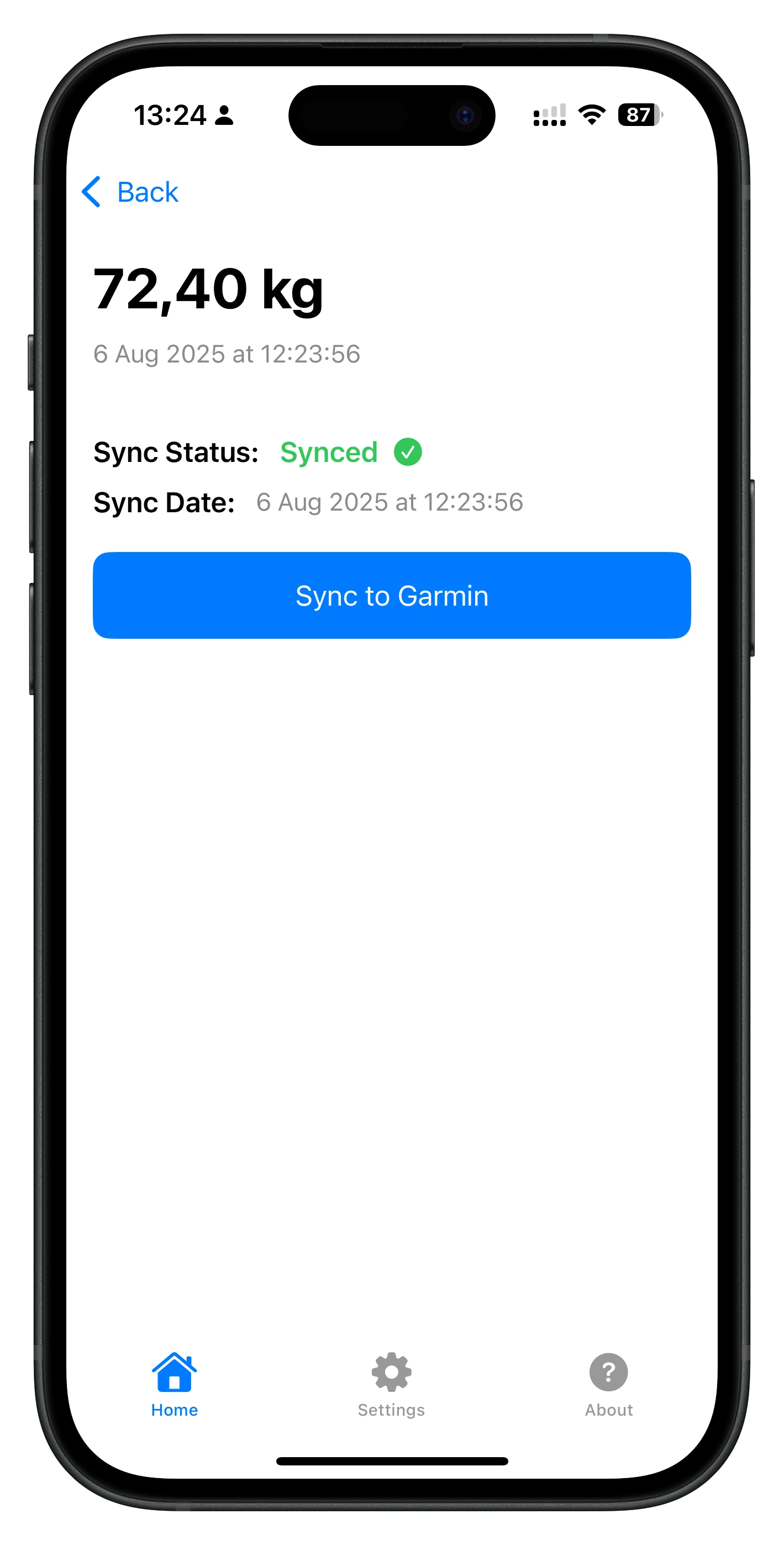
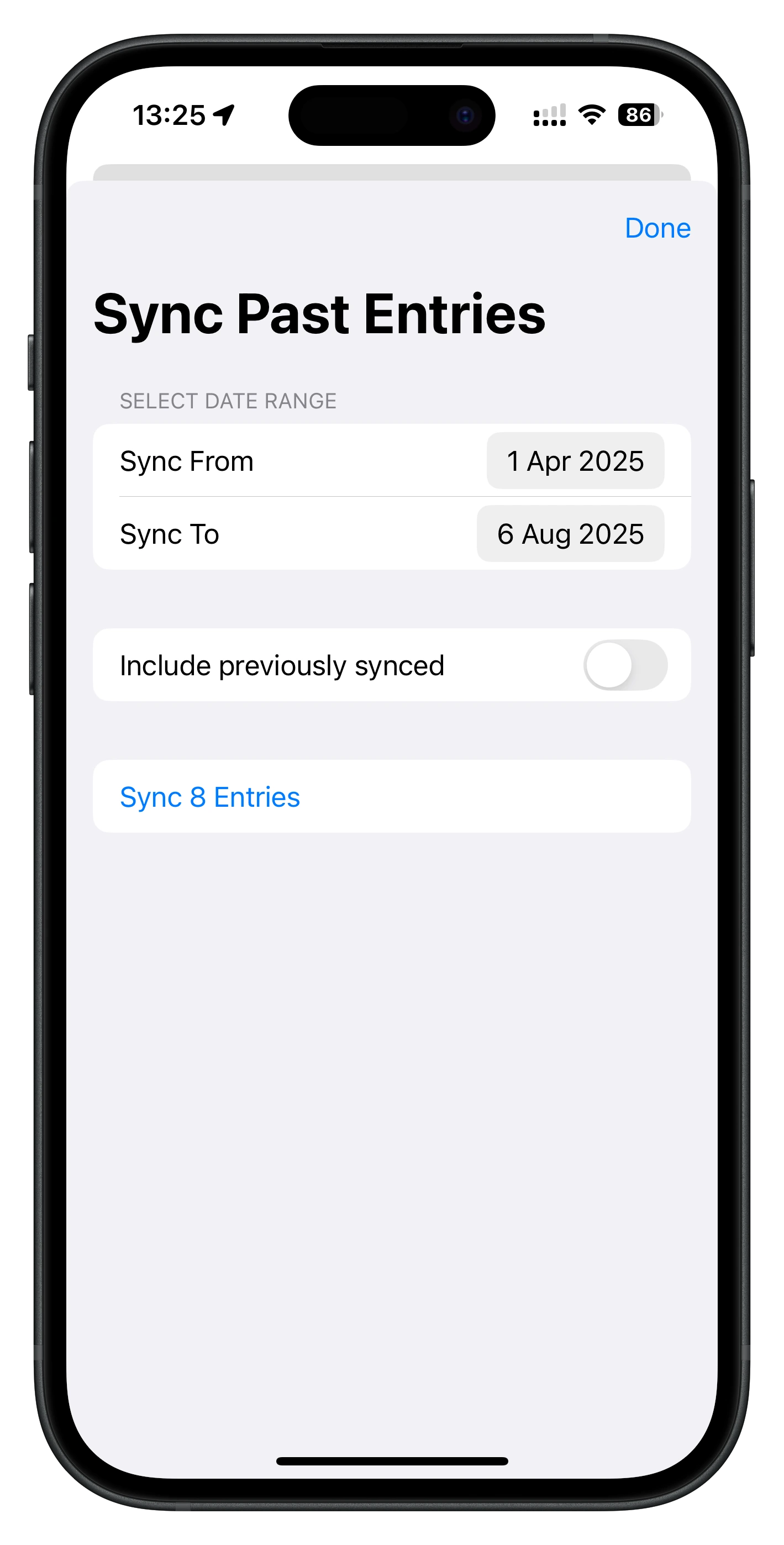
Manual sync is free. Premium is for background syncing and bringing your past entries across in bulk.
$0forever
For manual control over individual entries.
For automatic background and bulk historical sync.
Prices may vary by country.
WeightSyncr is built to do one useful thing and make its status clear.
"It just works. It's simple. Does what it says on the tin and does it quickly, easily, and consistently. I wouldn't want or need any other features. It's great."
The short version of how WeightSyncr connects, syncs, and keeps your data private.
WeightSyncr connects Apple Health and Garmin Connect. Free users manually sync individual entries. Premium automatically detects new Apple Health entries and uploads them to Garmin Connect in the background.
Free includes manual sync of individual entries and sync status tracking. Premium adds automatic background sync and bulk historical sync, with a 7-day free trial, then $0.99/month or $6.99/year. Prices may vary by country.
Yes. WeightSyncr works with weight from any compatible smart scale that writes to Apple Health, as well as weight entered manually in Apple Health. A Garmin smart scale is not required.
Weight data does not touch WeightSyncr servers. It moves directly from Apple Health to Garmin Connect through encrypted connections. WeightSyncr stores only local sync status information on your device.
Yes. Premium includes bulk sync from Apple Health with a custom date range, so you can import months or years of historical entries in one operation.
WeightSyncr requires an iPhone running iOS 16.0 or later, Apple Health access, and a Garmin Connect account. Garmin accounts with two-factor authentication (2FA) are supported. Garmin may occasionally require you to reconnect before syncing can continue.
Start with the universal path, choose a scale-specific guide, or troubleshoot a connection that stopped syncing.
Browse all guidesContact support for personal assistance, or read our Privacy Policy.
Download WeightSyncr to move weight from Apple Health to Garmin Connect. Start with free manual sync, then add Premium when you want automatic background or bulk historical sync.

Scan to download WeightSyncr.
Requires iPhone with iOS 16.0 or later, Apple Health access, and a Garmin Connect account.